AI Tiny DeskSign in ↗
How to make Tiny Desk AI: choose the photo
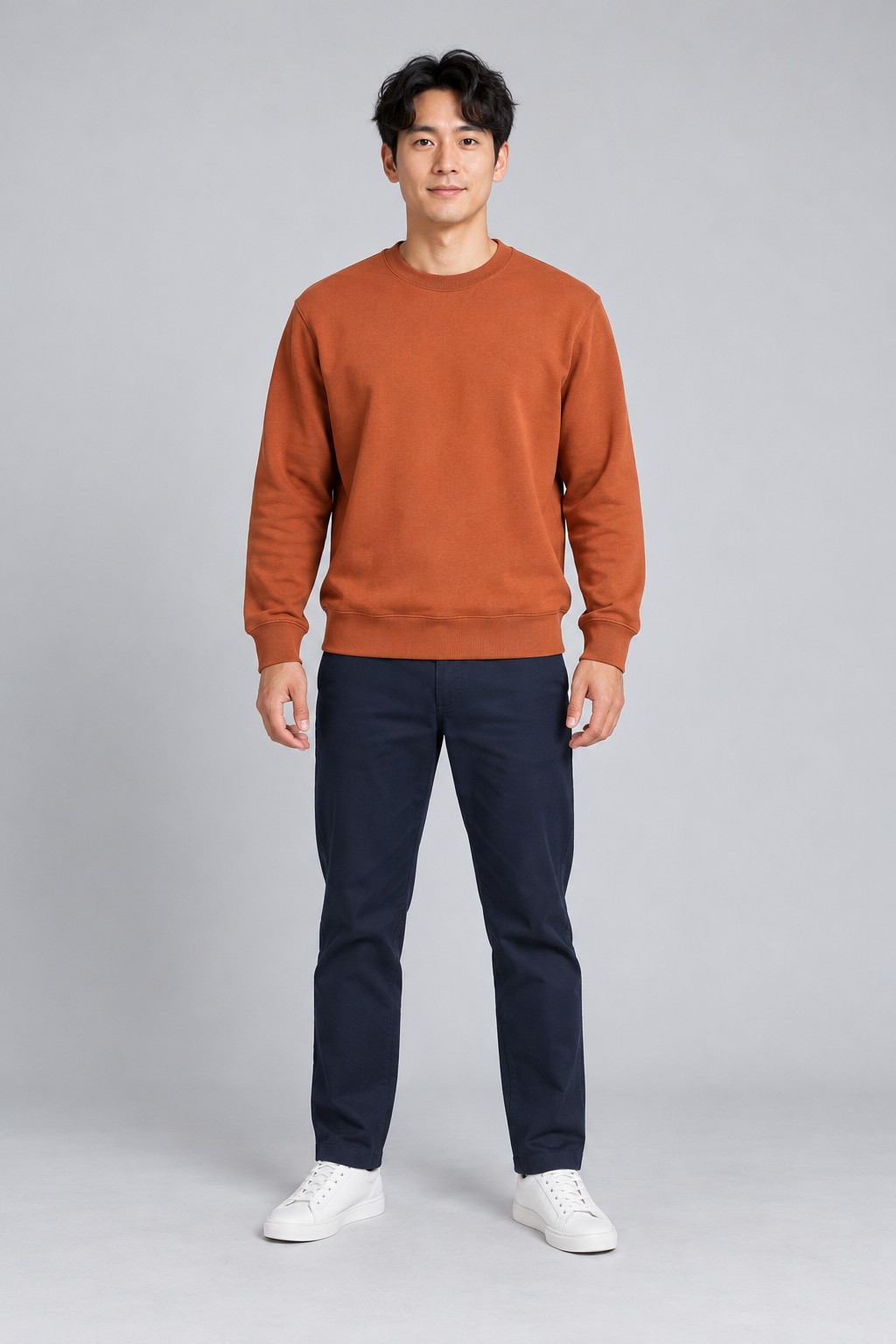
Use one consenting adult, facing the camera with clear eyes and shoulders. JPG, PNG and WebP are accepted up to 5 MB. How to make Tiny Desk AI starts with identity: sunglasses, filters and cropped faces make matching less reliable.
How to make Tiny Desk AI: select the concert
Keep Tiny Desk selected in the creation panel. Watch the complete example, including the opening, close-up and ending. How to make Tiny Desk AI differs from the dance and football templates; changing the template changes the actual task.
How to make Tiny Desk AI: sign in and pay
Use Google or an email code, then choose a credit pack if needed. One concert generation costs one credit. How to make Tiny Desk AI includes a verified checkout: returning from a payment page alone does not award credits.
How to make Tiny Desk AI: follow progress
Confirm permission and submit once. The saved task shows processing and saving; reopen it from your account if you leave. How to make Tiny Desk AI safely during a delay means checking that task rather than starting another paid attempt.
How to make Tiny Desk AI: inspect the result
Play the whole download. Check identity in both lead shots, hands, motion and the final frame. How to make Tiny Desk AI is complete only when you have saved a usable file; results are scheduled for removal after thirty days.
How to make Tiny Desk AI: finish the sound
Download your concert with performance audio or choose the silent copy for adding permitted music separately. How to make Tiny Desk AI does not include licensing Outstanding. The opening now includes sound; check synchronization and label your post as AI-generated.