 AI Tiny DeskSign in ↗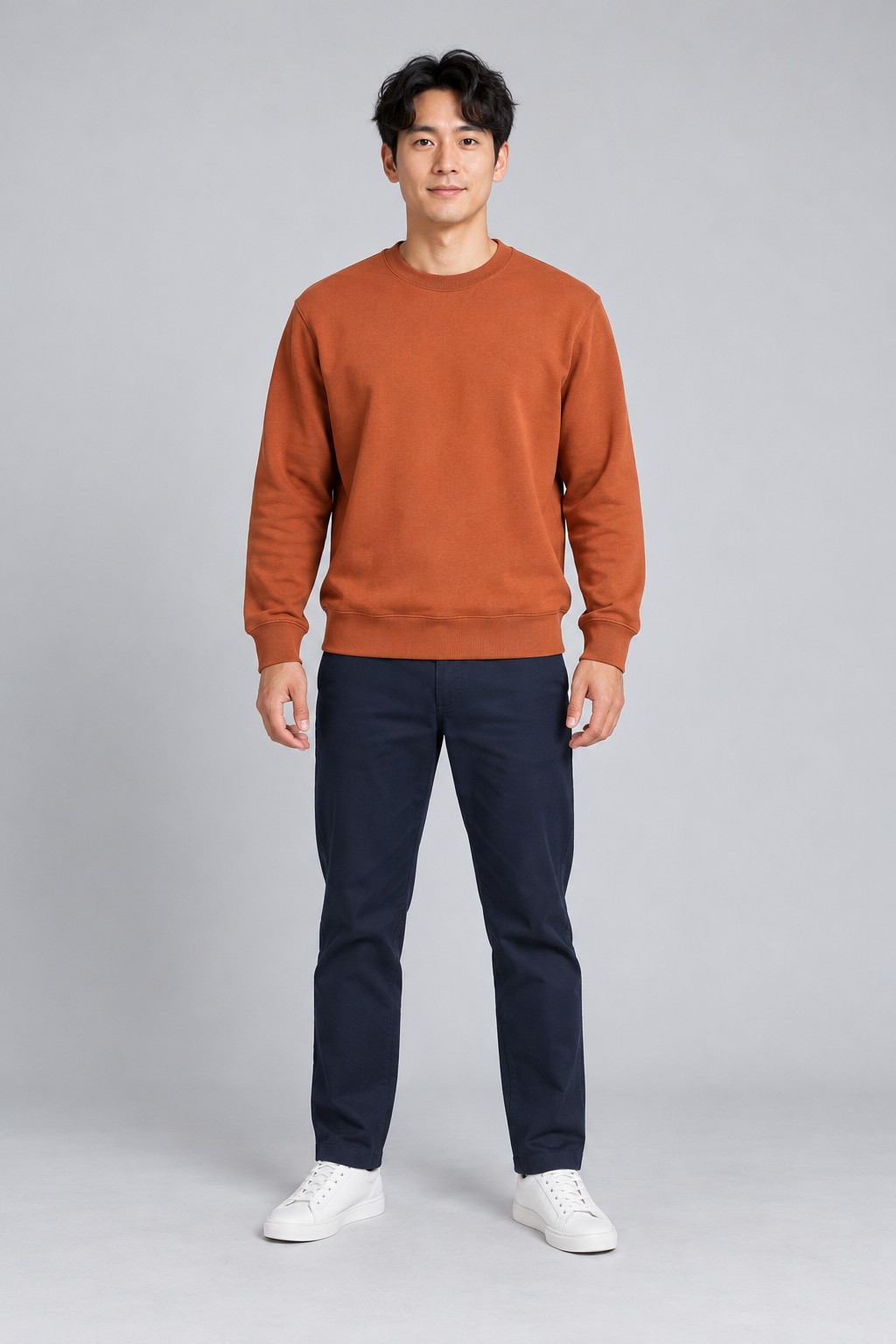
Make the Tiny Desk AI moment personal
Tiny Desk AI puts a recognizable face into a short desk-concert performance. The lead appears at the opening microphone and returns for the close-up, while the keys, saxophone and backing singers keep their own fictional identities. Choose yourself or an adult who has agreed to appear. A birthday greeting, a friendly group-chat joke or a team celebration can start with a single portrait.
Choose the lead for your Tiny Desk AI video
Your Tiny Desk AI upload supplies the main performer. Use a clear, evenly lit photo with visible eyes and a complete face. Include the shoulders and some clothing to give the model useful outfit cues. The form accepts JPG, PNG and WebP files up to 5 MB. Dark faces, heavy filters, sunglasses and crowded group photos make identity harder to follow.
Keep the Tiny Desk AI band consistent
This Tiny Desk AI template has a fixed fictional band. You upload the lead singer only; there are no separate upload slots for the keyboard player, saxophonist or backing singers. That keeps the surrounding cast consistent between orders. Watch the opening, the close-up and the final band shot in the sample to understand exactly which person your photo replaces.
Create your Tiny Desk AI video on this page
The Tiny Desk AI creator above connects your portrait, account and credit balance. Select the concert template, confirm that the person is an adult and that you have permission, then submit. Sign in with Google or an email code when prompted. Your account shows progress and provides a private result page when the task completes. You can reopen that result without paying for another generation.
Know what your Tiny Desk AI credit buys
One Tiny Desk AI concert uses one credit. Buy 1 credit for $9.99, 3 for $19.99 or 5 for $29.99 through the payment options shown at checkout. These are one-time packs with no subscription. The same balance works across the four templates on this website. Some other templates offer an enhanced mode costing two credits; the concert itself costs one.
Check the sound before sharing Tiny Desk AI
The Tiny Desk AI example includes the supplied performance audio. The original recording accompanies the opening and remaining concert scenes. Your download offers sound and silent versions. Music rights remain with the rights holders. If you prefer another sound, finish the silent clip in a social app using audio available for your account and intended post. Review the start position and complete performance carefully before sharing your result.
Review your finished Tiny Desk AI concert
Play your Tiny Desk AI result from start to finish. Check the face in both lead shots, the hand movements, the camera cuts and the last frame. The finished concert is about 19 seconds in vertical format. AI can alter details, so exact facial similarity and word-for-word lip synchronization are not guaranteed. Download the version you want and label the shared clip as AI-generated.
Get help with a Tiny Desk AI order
Confirmed Tiny Desk AI generation failures return the charged credits. If a completed file has a serious visual problem, contact support with the task identifier so the result can be reviewed. Cash refunds follow the separate refund policy; a restored credit is not a cash refund. Your account also keeps order history and the available downloads together, which makes it easier to locate the affected creation.